

Overview
The integration allows:- Embedding a dedicated Qwoty widget on HubSpot record pages.
- Creating and managing quotes, subscriptions, and customer records inside HubSpot.
- Optional automatic synchronization of selected Qwoty entities (quotes, subscriptions, invoices) with HubSpot custom objects for workflows, reporting, and automation.
Prerequisites
Before you connect HubSpot with Qwoty:- You must have a valid HubSpot account.
- You must have access to your Qwoty account integration settings.
1. Installation
Connect HubSpot- Connect to Qwoty app
- Go to the Setting -> Developer -> Integration
-
On se HubSpot card clic on Connect
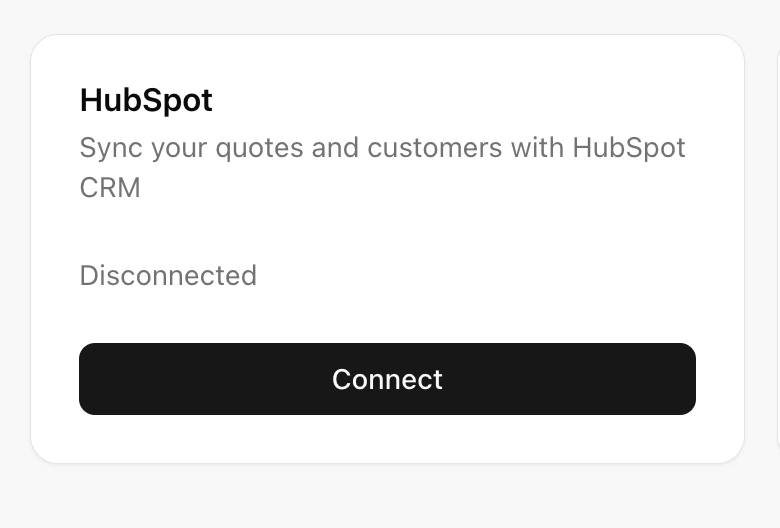
- Select the account to link with Qwoty and follow the process to the end
2. Enable the Qwoty card in Connected Apps
After installing the Qwoty application in HubSpot, an administrator must enable the card so it can be used on CRM records.Steps
- In HubSpot, click the ⚙️ Settings icon.
- In the left sidebar, go to Integrations.
- Click Connected Apps.
- Select Qwoty from the list of installed apps.
- Open the App Cards tab.
- Enable the Qwoty card for the Deals object.
3. Add the Qwoty card to the Deal record layout
After enabling the card, it must be added to the Deal record layout.Steps
- Open a Deal record in the CRM.
- Click Customize record or Customize view in the top-right corner.
- Open the record layout editor.
- In the list of available cards, search for Qwoty.
- Drag and drop the Qwoty card to the desired location (for example in the right sidebar or within a tab).
- Click Save to apply the changes.
- You can manage integration on the setup page
- A Qwoty card appears on HubSpot deal pages. This card provides quick actions like creating a quote directly from HubSpot’s interface.
Synchronization
Once connected, the integration can optionally synchronize selected data:- Quotes
- Product
- Order
Benefits
- Unified workflow: Sales and finance teams can operate from HubSpot while using Qwoty’s billing capabilities.
- Reduced manual work: No need for duplicate data entry across systems.
- Improved visibility: Billing data appears alongside CRM records for deals, contacts, and companies.